
Updating Your FAQ Based on Common Customer Questions
Users often have recurring questions. Instead of typing the same replies, a living FAQ approach can help. This means you treat the FAQ page like it's always evolving. Each time a question repeats, it gets added. As a result, customers get answers themselves. Support tickets go down.
Many teams rely on email or chat for customer support. That's fine. But as soon as you see a pattern, note it. Then refine or add a FAQ entry. With each new entry, you reduce those repetitive tickets. It's a big time-saver. Also shows customers you pay attention and adapt.
Clear instructions reduce confusion. They also guide staff on secure processes. Updated FAQs promote user trust too. People want to see that you handle data carefully. A well-organized FAQ can reflect that diligence.
Explain each topic briefly. Point out steps or potential next actions. Over time, you'll see a shift. Fewer repeat tickets, more satisfied users.
You should also announce significant FAQ updates. Maybe post an internal note to support agents. They can refer to that entry the moment a related ticket appears. You might also send a quick email to a segment of customers who asked that question. Let them know the FAQ was improved. That proactive step can turn frustrated customers into loyal fans. They see you're responsive, not ignoring them.

Make sure your FAQ is easy to move through. Label categories clearly. Avoid clutter. Keep it concise. And it's more accessible to your non-technical customers.

Another tip: keep a backlog of possible new entries. Encourage support staff to note any confusion they hear on calls. Or any frustration from chat sessions. Compile them. Then schedule a FAQ update day. You can also tie FAQ updates to your release cycles.
Use advanced support tools to see analytics: search terms used on your help center, open rates on FAQ articles, or bounce rates. This data shows what matters to your users. If certain articles get heavy traffic, refine them for clarity. If there's a question that always resurfaces, maybe it needs a more direct response. Combine these best practices, and you'll have an FAQ that truly serves your audience.

Remember, as new questions pop up, keep adjusting. This is a living approach. It saves time, fosters user trust, and assures everyone that your brand takes support seriously. Now let's cover some common questions about managing and updating a FAQ.
Related Articles
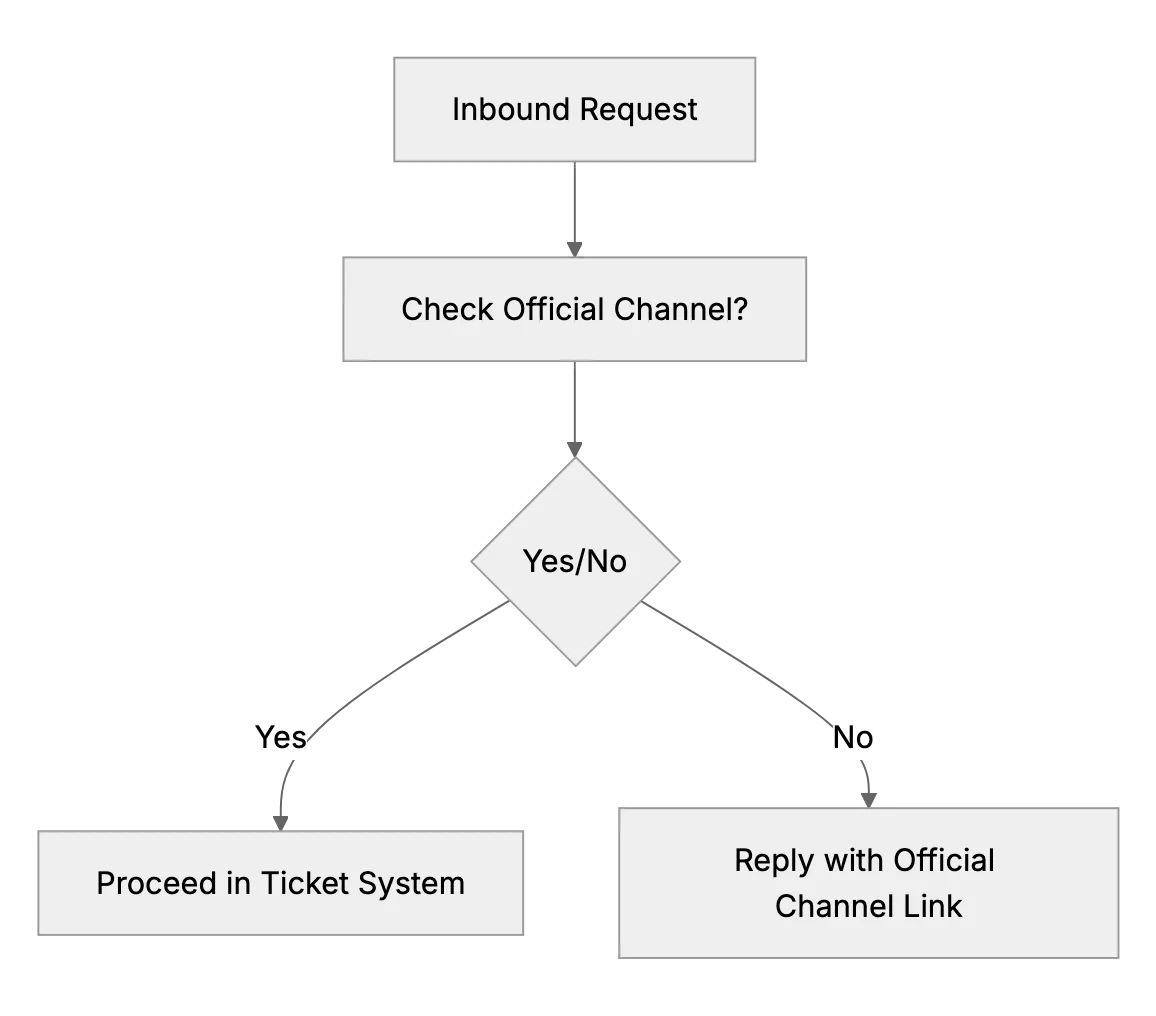
What to Do if Customers Contact You Outside Official Channels
When customers DM or text your personal accounts, reply kindly and point them to your official email or support desk so every request is tracked.
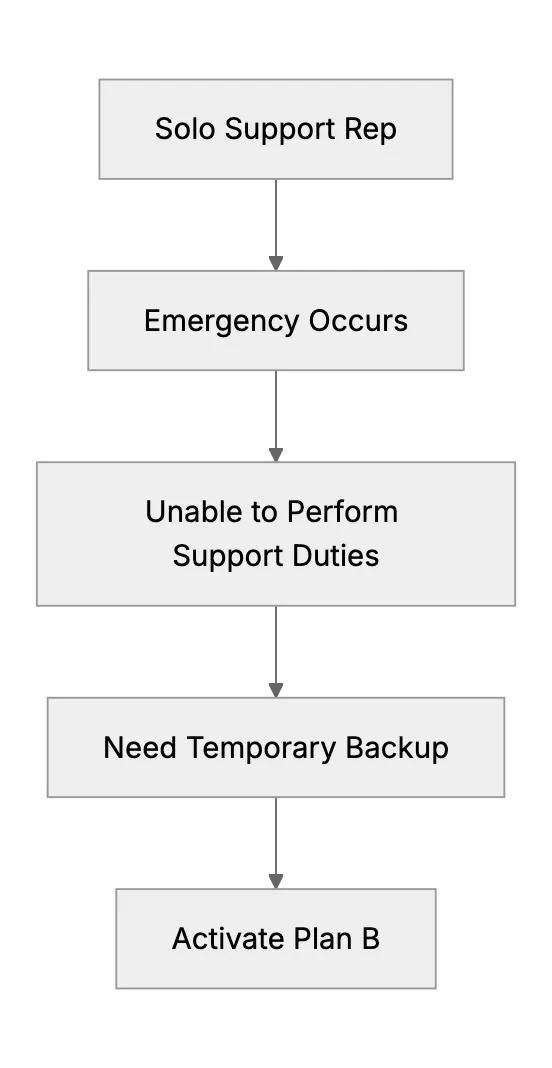
What Happens When the Only Support Person Is Sick? (Emergency Backup Plans)
Preparing a backup plan for a one-person support team during unexpected illness or personal emergency.
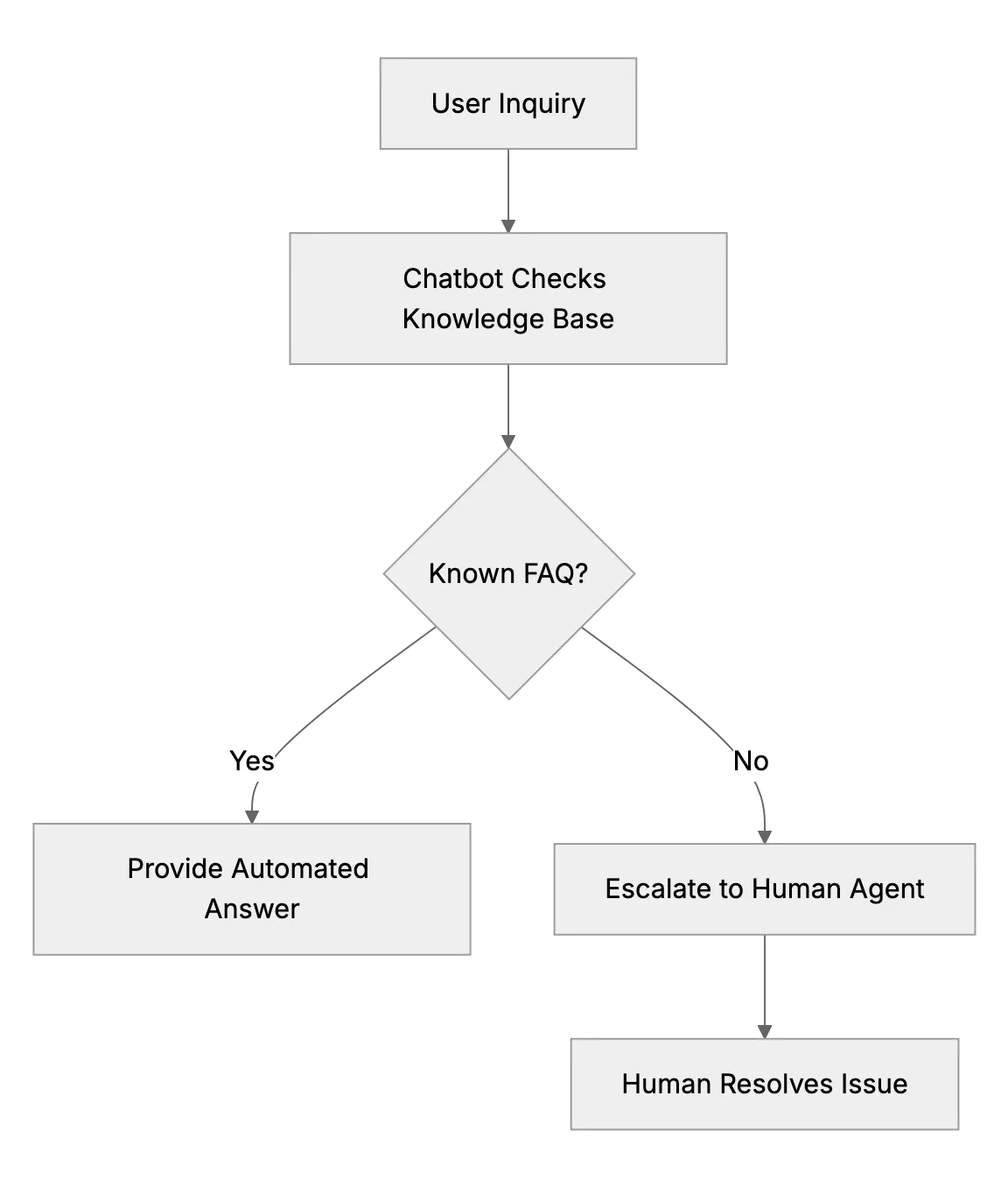
Deploying a Chatbot for Tier-1 Questions So Your Team Handles Only Complex Issues
Train a chatbot on your FAQ to answer order status and password questions, learn from its failed chats, and hand hard cases to a person with context.