Deploying a Chatbot for Tier-1 Questions So Your Team Handles Only Complex Issues
Deploying a Chatbot for Tier-1 Questions So Your Team Handles Only Complex Issues
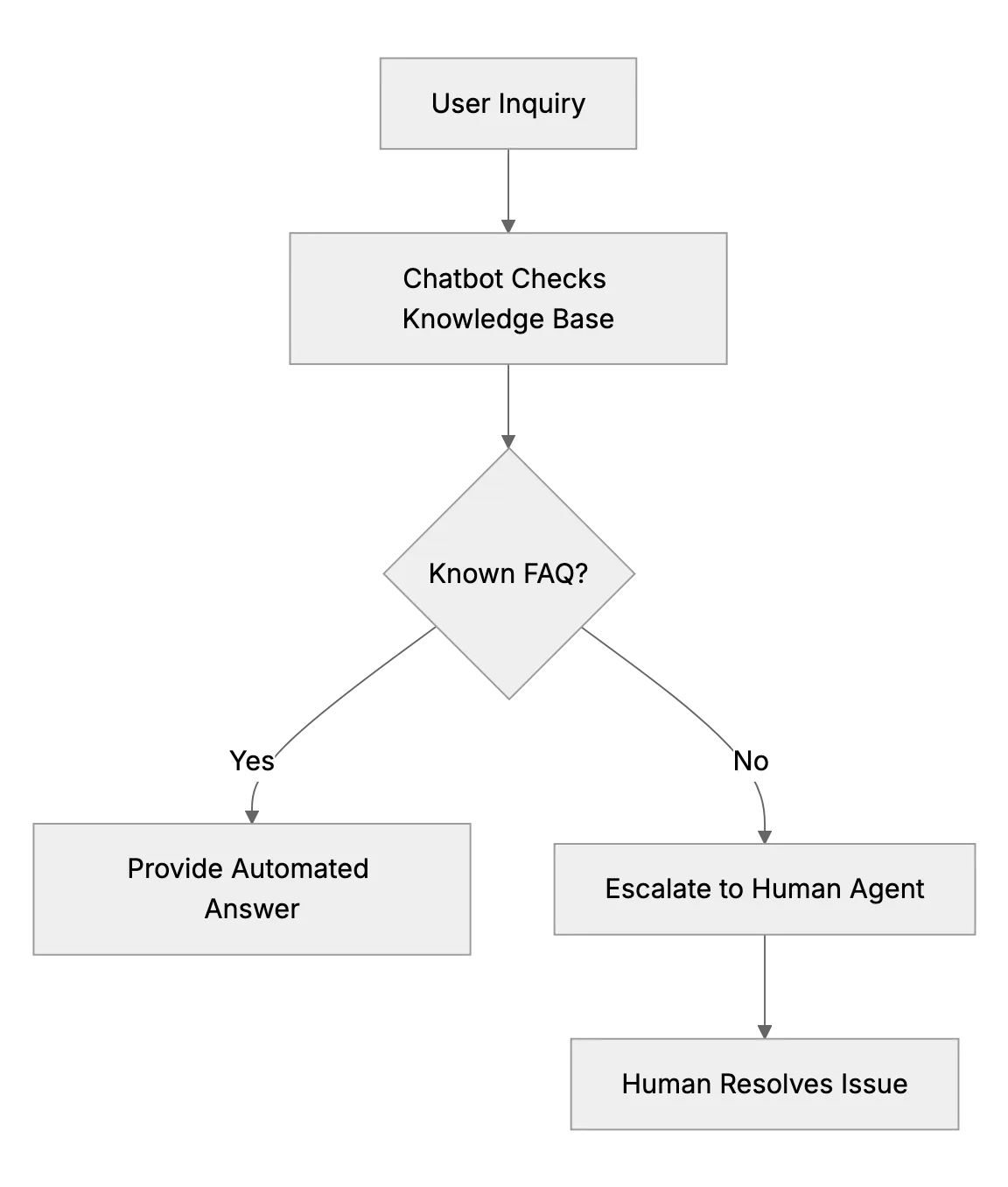
People often assume big teams are necessary for quality support. That's not always true. Modern chatbots offload repetitive questions from small teams. By letting an AI chatbot address order statuses and password resets, teams preserve bandwidth for complex issues. This can be the difference between quick resolution and overwhelmed inboxes.
We'll look at how a strong and secure SaaS application can provide a cloud-based customer support desk with strong security features, and a chatbot that handles tier-1 questions. We'll see how to train the bot, manage the knowledge base, and make sure humans stay in control of complex exchanges.
Why Deploy a Chatbot?
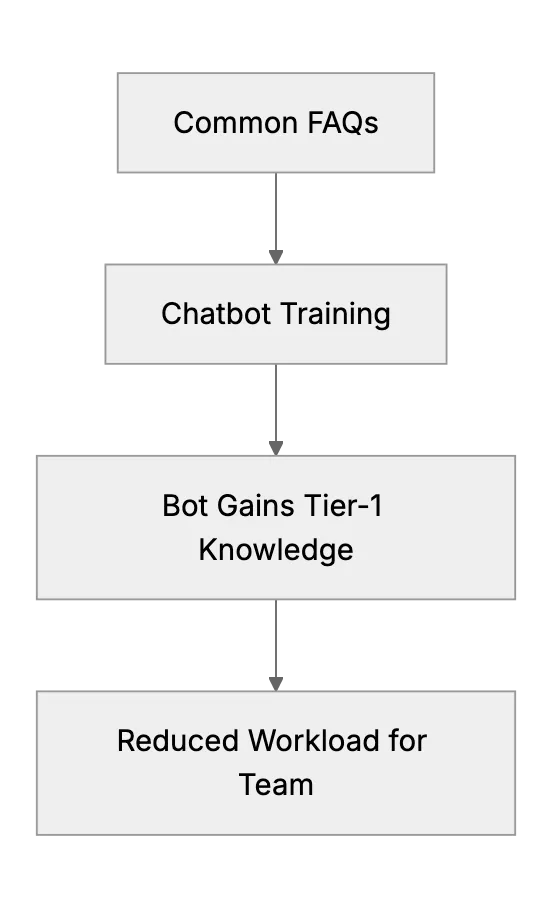
Small teams have limited resources. A bot can answer common questions. This includes shipping status, password resets, or basic product usage. The AI can learn from your FAQ, so it responds consistently. It deflects routine inquiries so your staff focuses on advanced troubleshooting, compliance, or technical tasks that require specialized knowledge.
Steps to Train the Bot With Your FAQ
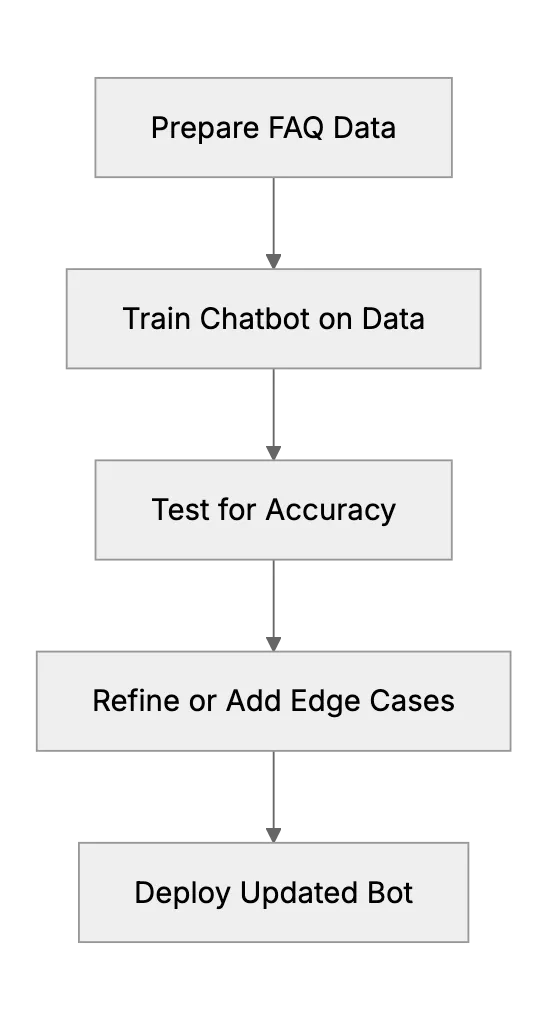
First, gather your most frequent questions. Second, refine the answers so they're short and direct. Third, feed them into the chatbot system. Most chatbot setups have a training interface or data import option. If your support desk handles sensitive data, make sure no personal information is exposed without proper security controls.
When the bot fails to address a question, analyze the conversation logs. Add the new answer to the bot's knowledge base. Over time, it becomes more accurate. Keep data protection in mind. If you store personal information under privacy regulations, confirm that the chatbot only accesses data it is authorized to see.
Handling Handoffs to Humans
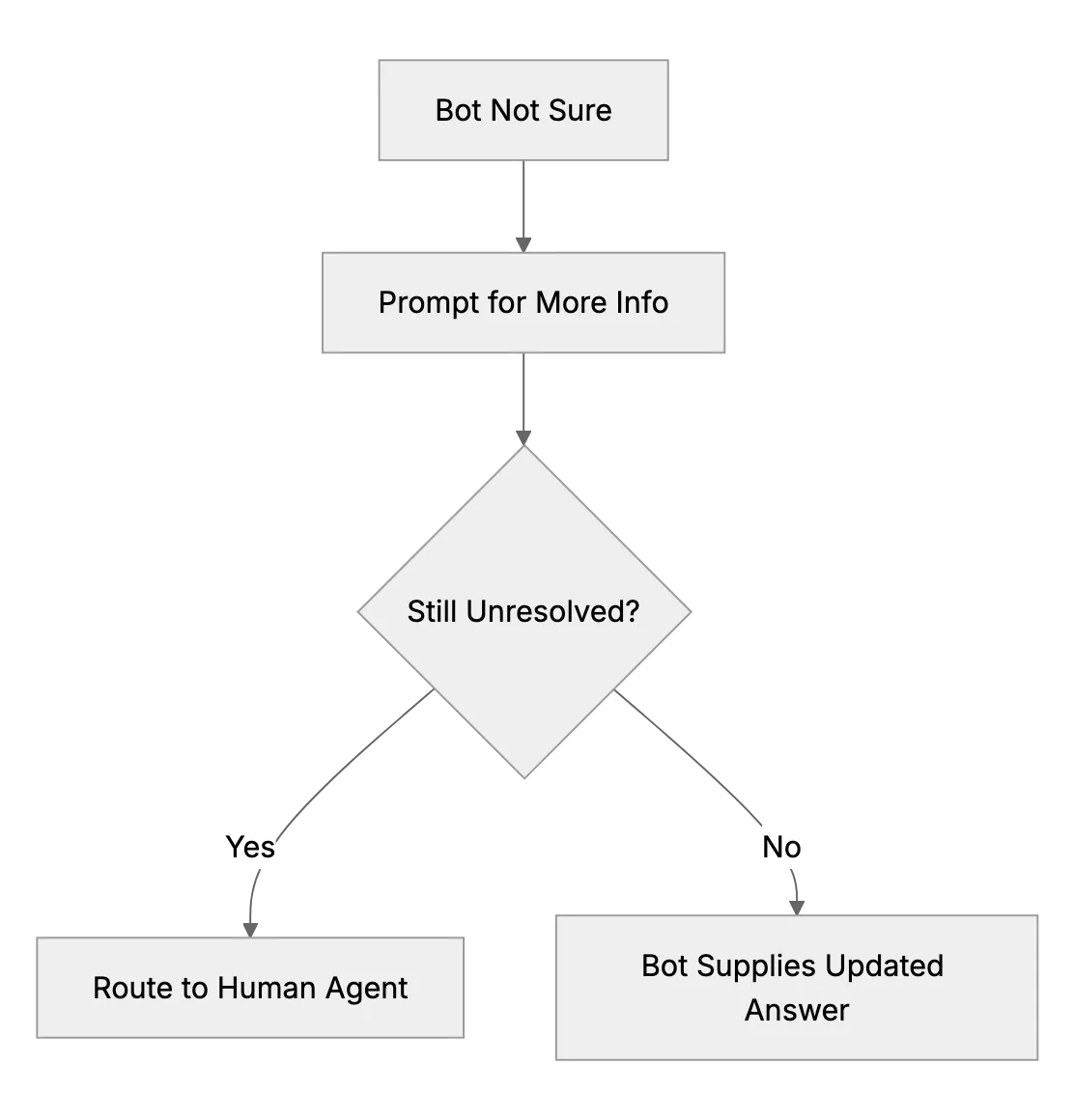
No chatbot solves everything. Even the best AI can stumble on unusual questions. That's where a smooth handoff to a human rep is important. The user shouldn’t feel abrupt transitions. The system collects basic info, then routes to your staff who can see conversation history and context.
This human escalation fosters trust. Users know they’re not stuck with a bot. Some industries require logging these escalations for auditing purposes. Data access and incident tracking must be consistent with your security posture.
Maintaining Strong Security Practices
Security is key, especially when personal info is involved. Cloud-based support desks must encrypt data at rest and in transit. Good practice includes keeping audit logs and restricting access. The chatbot is an extension of your system, so make sure it follows the same security protocols.
If you handle sensitive data, consider extra access controls. Train the bot with anonymized or sanitized data so it doesn't inadvertently share private info. This mindset protects you from breaches and builds trust.
Frequently asked questions
1. Is a chatbot too complex for a small support team?
Modern chatbot platforms are simpler than before. Many have drag-and-drop training interfaces, so small teams can manage them efficiently.
2. How do I ensure the chatbot meets privacy rules?
Restrict the chatbot’s data access and store sensitive info securely. Enable encryption, keep audit logs, and work with your provider to ensure it meets privacy standards.
3. Does the chatbot work offline?
Most cloud-based chatbots require an internet connection since they rely on remote servers to process queries. Some solutions can cache basic answers locally, but they still need online capabilities.
4. What if the chatbot gives an incorrect answer?
Review logs to identify where it failed. Update or add the correct info to the knowledge base so the bot learns for next time.
5. How can I measure the chatbot's effectiveness?
Track metrics like deflection rate (number of queries handled by the bot vs. human), average response time, and user satisfaction surveys.
6. Will a chatbot replace my entire support team?
Unlikely. It handles tier-1 questions. Complex and high-stakes issues usually need human intervention.
7. Can the bot support common security frameworks?
Yes. Many chatbot providers follow widely accepted security standards. Confirm their certifications and ensure your setup follows best practices.
Related Articles
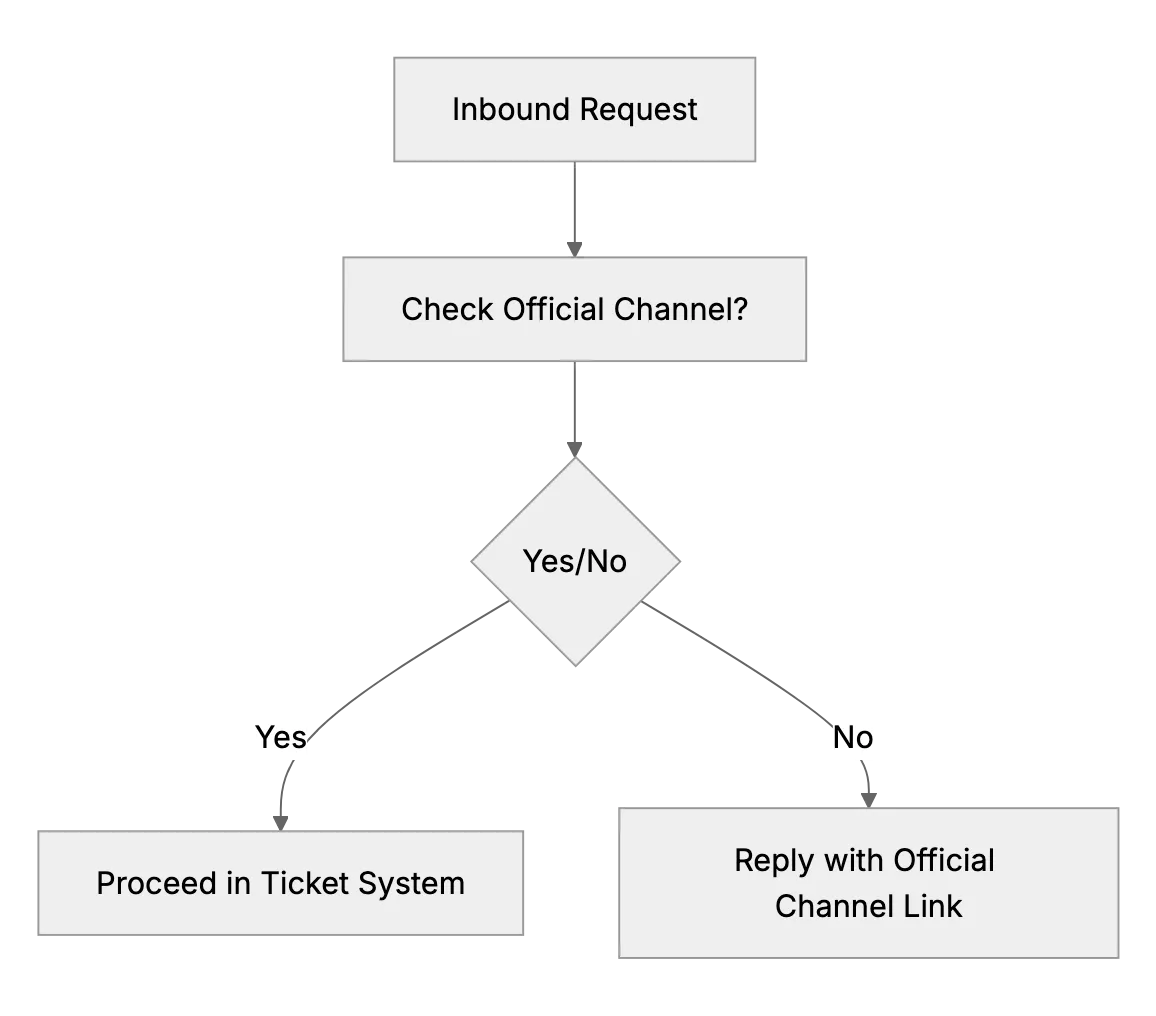
What to Do if Customers Contact You Outside Official Channels
Some customers will try to get attention by messaging the business owner’s personal Facebook or finding their number when you prefer email. This article advises setting polite but firm boundaries.
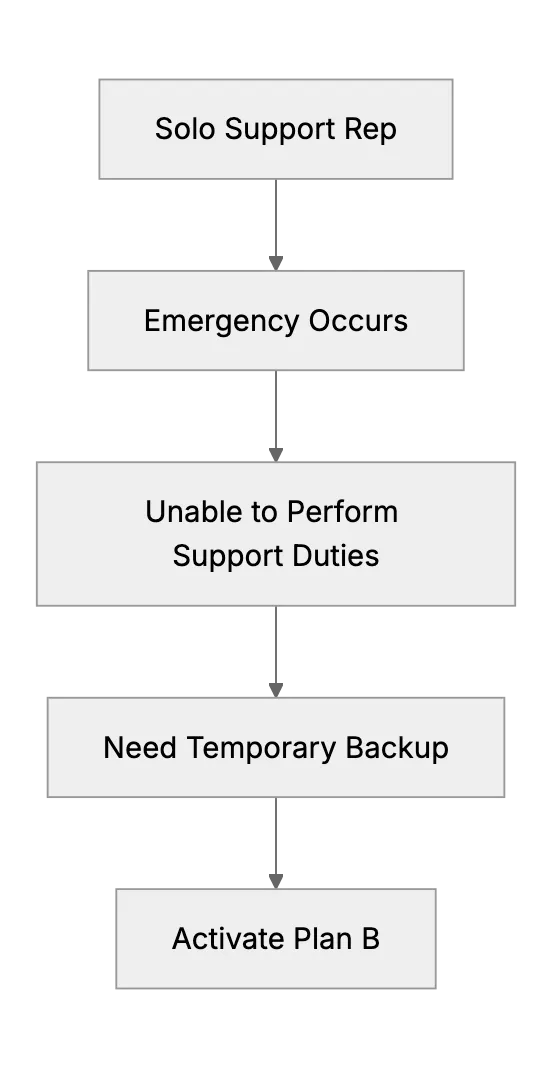
What Happens When the Only Support Person Is Sick? (Emergency Backup Plans)
Preparing a backup plan for a one-person support team during unexpected illness or personal emergency.
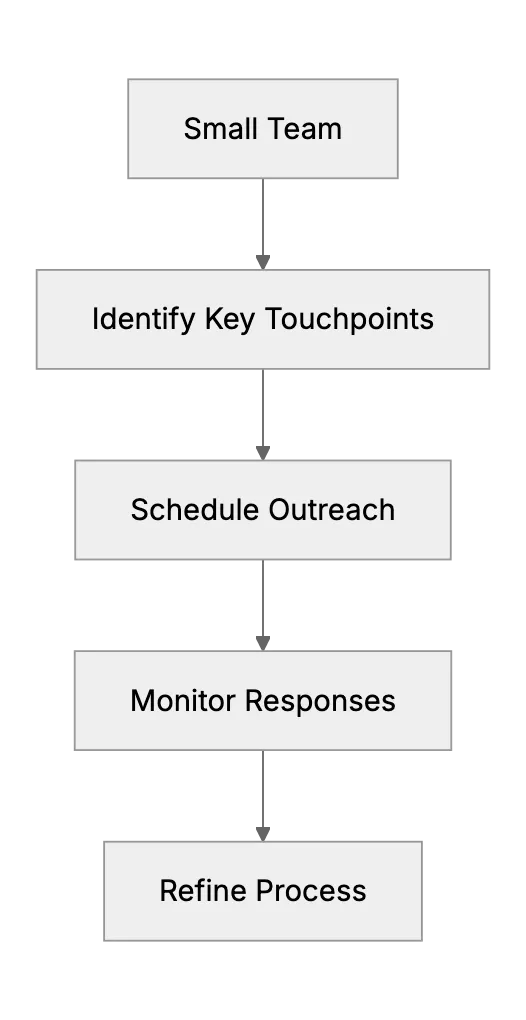
Proactive Support on a Shoestring: Reaching Out Before Issues Arise
Being proactive (like checking in with customers or providing onboarding help) is often associated with larger Customer Success teams, but this article shows how even a small outfit can do a little of it. It might include an example of a small SaaS that sends a personalized email to new sign-ups after a week to ask if they need help, a low-cost, proactive gesture. It will outline manageable proactive tactics, such as a monthly tips newsletter or a follow-up with customers who haven’t used the product in a while, to pre-empt support issues and reduce churn.