Keeping Track of Customer Communications (Without a Fancy CRM)
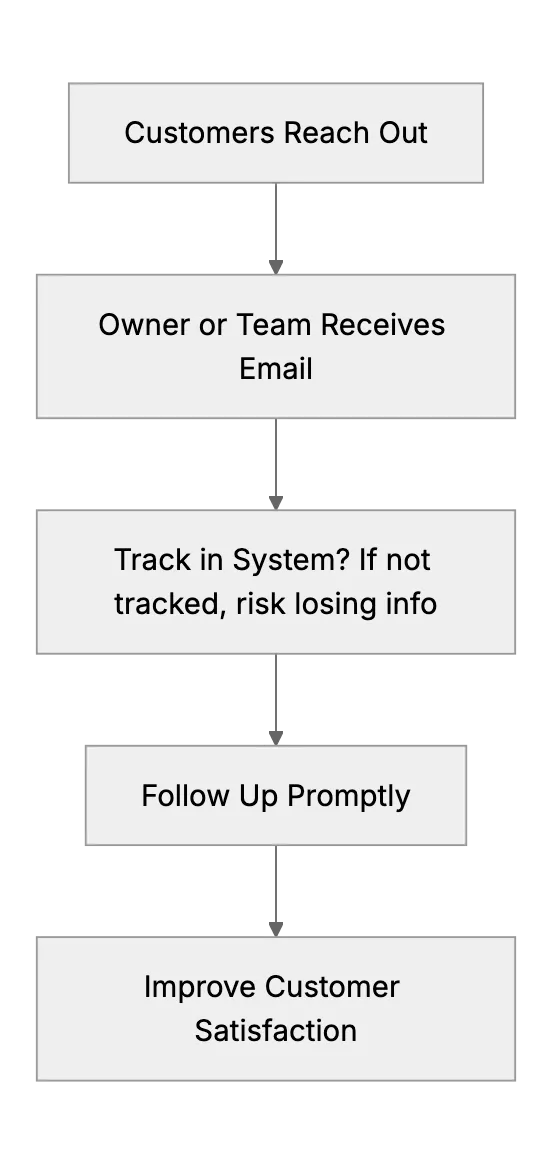
Many struggle to manage customer conversations across multiple channels. Email, phone, chat messages. Sometimes they get lost. People forget who they replied to. It's easy to miss a follow-up. But you can use cost-free or low-budget solutions to keep track of these exchanges. Let's discuss some methods that won't break the bank.
Why Organize Customer Exchanges
Customers expect quick responses. If you're scattered across spreadsheets, random notes, or separate inboxes, you'll lose momentum. Delays can hurt business. You don't need big corporate CRM software. Simple tools let you build a workable system. You just need to record exchanges and track progress. That ensures no conversation slips through the cracks. Then, if you expand, you can move to more advanced solutions.
Spreadsheets: Quick & Easy
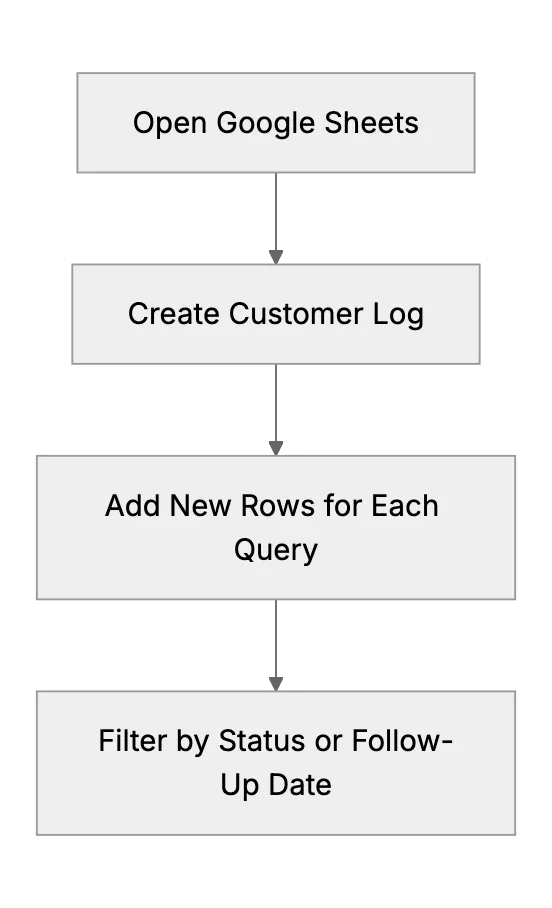
Some prefer a spreadsheet. You can list customer names, contact info, date of last conversation, next steps, and any relevant details. Use filters to see pending tasks or overdue replies. Tools like Google Sheets let multiple users update the file in real time. It's cheap and straightforward.
Potential pitfalls: spreadsheets can become messy. It's easy to forget to update them. Also, if you need to store sensitive info, security becomes a concern. Make sure you share or store them in a secure location with proper access controls. If you handle regulated data, consider a secure alternative that meets those requirements.
Using Trello or Kanban Boards
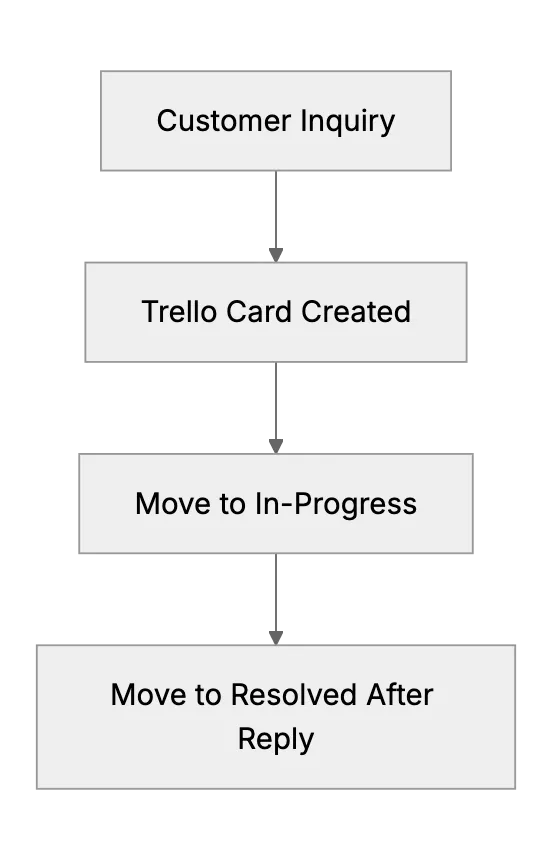
Trello boards or similar tools can help visualize tasks. Create columns for new inquiries, in-progress, pending response, resolved. Drop cards from one column to the next. It gives a quick overview of where each customer's query stands. Some find this more user-friendly than a spreadsheet. Also, Trello has a free plan.
Gmail/Outlook Features
Email platforms have built-in organization tools. For Gmail, use stars, labels, and filters to sort or highlight messages needing attention. Outlook has flags and categories. Mark unresolved emails with a special label or category, so you can systematically open that view each day and see what's pending. This eliminates the risk of letting an inquiry slip to page two of your inbox, never to be seen again.
But email alone might not scale if you have multiple team members or you need a stronger logging approach.
Lightweight CRM or Helpdesk Solutions
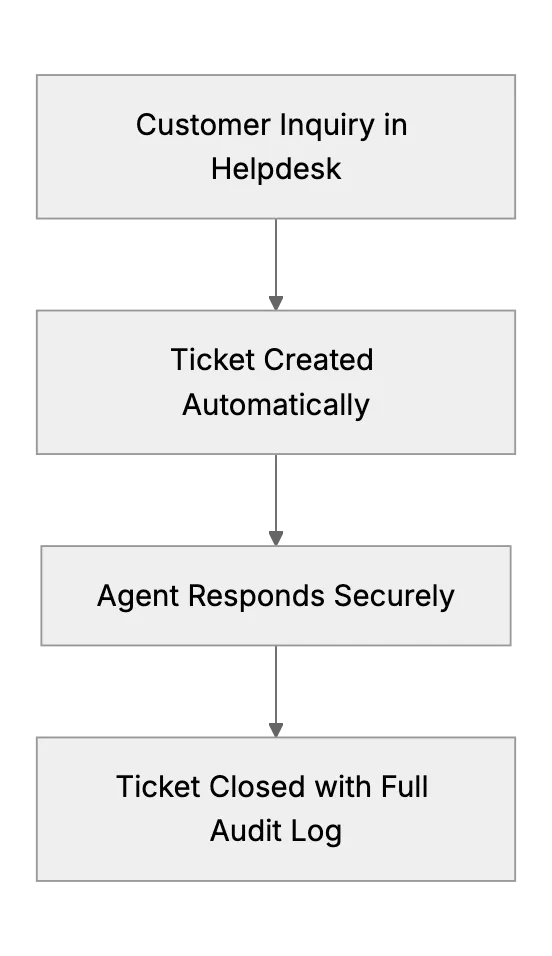
If you want to keep data in one place, consider a small CRM or a specialized helpdesk. Many have free tiers or very cheap plans. They store every interaction automatically, with time stamps, contact details, and conversation history.
Tips for Success
- Pick a single method. Switching back and forth between spreadsheets, random notes, and email flags is confusing.
- Standardize your process. Decide how you'll mark tasks or entries as "pending" or "complete." Then follow that every time.
- Set a daily or weekly routine to review pending communications.
- Back up your data. If using a free platform, keep a local export just in case.
- Make sure privacy.
Conclusion
Being consistent is what counts. A simple spreadsheet, Trello board, email flags, or a lightweight CRM can help you avoid missing messages. Start small, stay organized, and keep your customers happy.
Related Articles
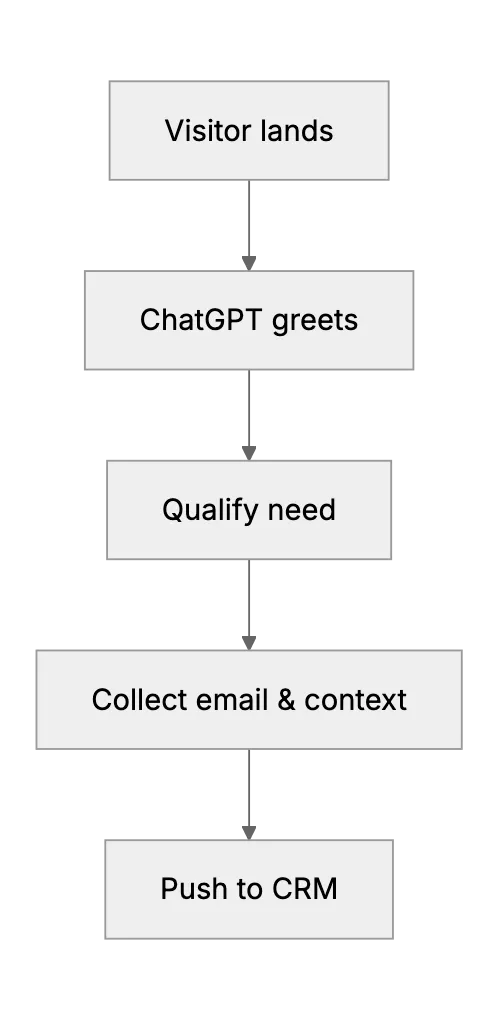
ChatGPT Lead Generation Guide 2025
Step‑by‑step guide on using ChatGPT and GPT‑4o for modern lead generation
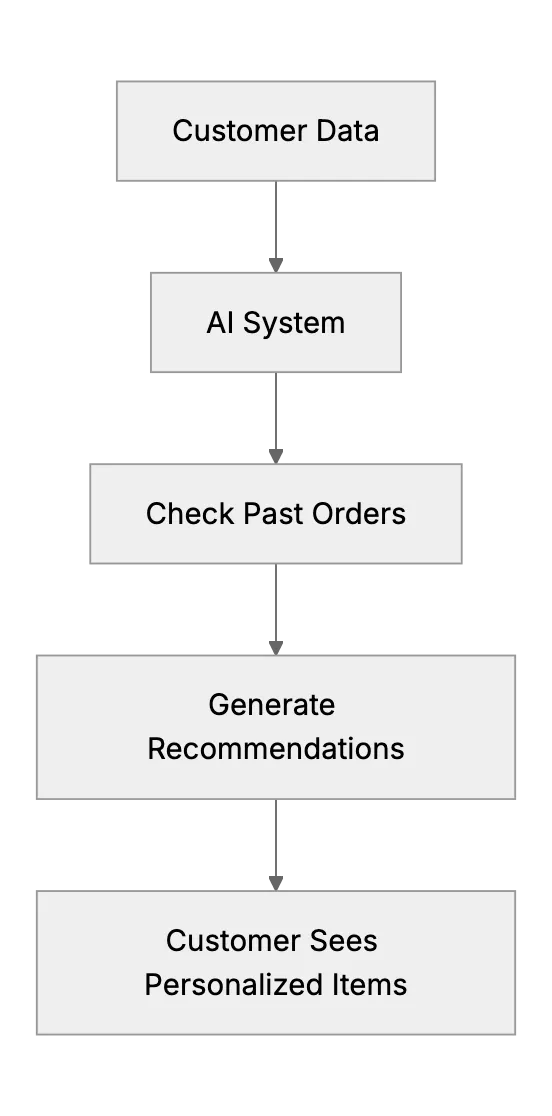
Personalized Customer Experience: How AI Systems Remember Preferences
Small businesses use AI to remember customer preferences and tailor service
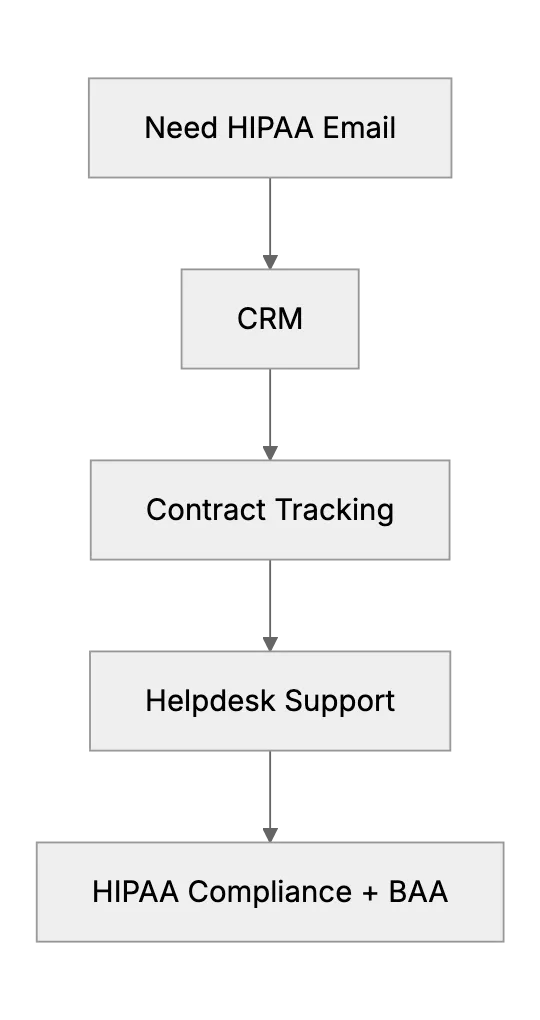
All-in-One Solution: Finding a User-Friendly, HIPAA-Compliant CRM with Support Features
If you're a small business owner in healthcare then you've probably wondered how to find a user-friendly, HIPAA-compliant CRM with support features. This article discusses whether such a tool exists for small businesses and what the alternatives are. We'll mention a couple of combined HIPAA-compliant CRM + helpdesk systems (or clever integrations) and guide the reader on how to piece together solutions (for example, using a HIPAA-compliant email service alongside a helpdesk that signs a BAA).