
Prioritizing Urgent vs. Non-Urgent Tickets with Limited Staff
Balancing urgent tickets with day-to-day tasks is tricky, especially when there's only one or two people handling support. It's easy to feel pressure to answer every ticket by end of day. But sometimes it's fine to let a low-priority question wait if you've promised a 24-hour window.
Why Ticket Prioritization Matters
Customers have different requests. Some need immediate attention. Others can hold for a bit. If you're a small support team, you can't handle them all at once. Prioritization ensures the truly urgent issues get resolved fast. This prevents chaos, missed deadlines, and damaged customer experience. A structured approach also helps you meet various industry or legal obligations.
Defining Urgency
It's not always obvious which tickets deserve priority. One approach is to classify issues by impact and scope. Is the issue preventing a customer from using a core feature? Is there a security breach? High-impact problems demand immediate attention. On the other hand, a routine feature question might wait. Also consider the type of customer (for instance, VIP vs. standard) if your business model calls for that. A well-defined prioritization system clarifies these distinctions.
In certain industries, regulations demand quick responses to potential data issues. Any question about security controls or data handling might rank higher. Limited staff can focus on these sensitive tickets first, avoiding risks.

Simple Prioritization System
Develop a basic hierarchy. For example:
- Urgent: Security threats, data loss, service outages.
- High: VIP clients or major functionality issues.
- Normal: General usage questions, minor bugs.
- Low: Cosmetic requests, extended inquiries.
A single-person support desk can quickly sort tickets into these categories upon arrival. That process ensures that the time-important issues don't get lost in the stack.
Communicating Response Expectations
Customers want to know how quickly you'll respond. If you're a limited team, set realistic targets like responding to urgent tickets within a few hours and non-urgent tickets within a business day. Let your clients know their inquiries won't vanish. Clearly posting these service level agreements (SLAs) on your support portal or automated email replies helps manage expectations. Also share them with your team members so they're not scrambling to finish every single ticket by day's end. It's okay to have an open ticket for a couple days if you've set that expectation.

Using Automation and Collaboration
For a small support team, automation can be a lifesaver. Automated workflows route tickets by priority. Canned responses let you quickly reply to repeat questions. Collaboration features let another colleague jump in if the primary support person is stuck in an urgent scenario.

Measuring Success and Adjusting
Once you set up a prioritization strategy, track metrics like response time, resolution time, and customer satisfaction. If you find you're constantly missing your urgent ticket SLA, consider adjusting staff schedules, adding a part-time helper, or using more automation. Small teams can adapt quickly. Keep refining your approach by reviewing how many urgent tickets come in, how often, and whether they're truly urgent. If everything is labeled urgent, then nothing is.
Maintaining Compliance with a Small Team
Regulatory frameworks can add pressure. Even if you're only one or two people, a well-structured approach ensures no steps get missed.
Practical Tips
- Create categories: Make it obvious which tickets are urgent. Label them so they stand out in your ticket management system.
- Use polite holding messages: If you can't resolve immediately, assure the customer you'll circle back within the posted timeframe.
- Review escalations regularly: If an issue drags on, reevaluate its priority. Maybe it needs a higher category.
- Record your triage and response steps.
End
When you're a limited team or even a lone support rep, you can't tackle everything at once. But you can still deliver excellent customer support. Set up clear priorities for urgent vs. non-urgent tickets. Communicate SLAs. Automate repetitive tasks.
Related Articles
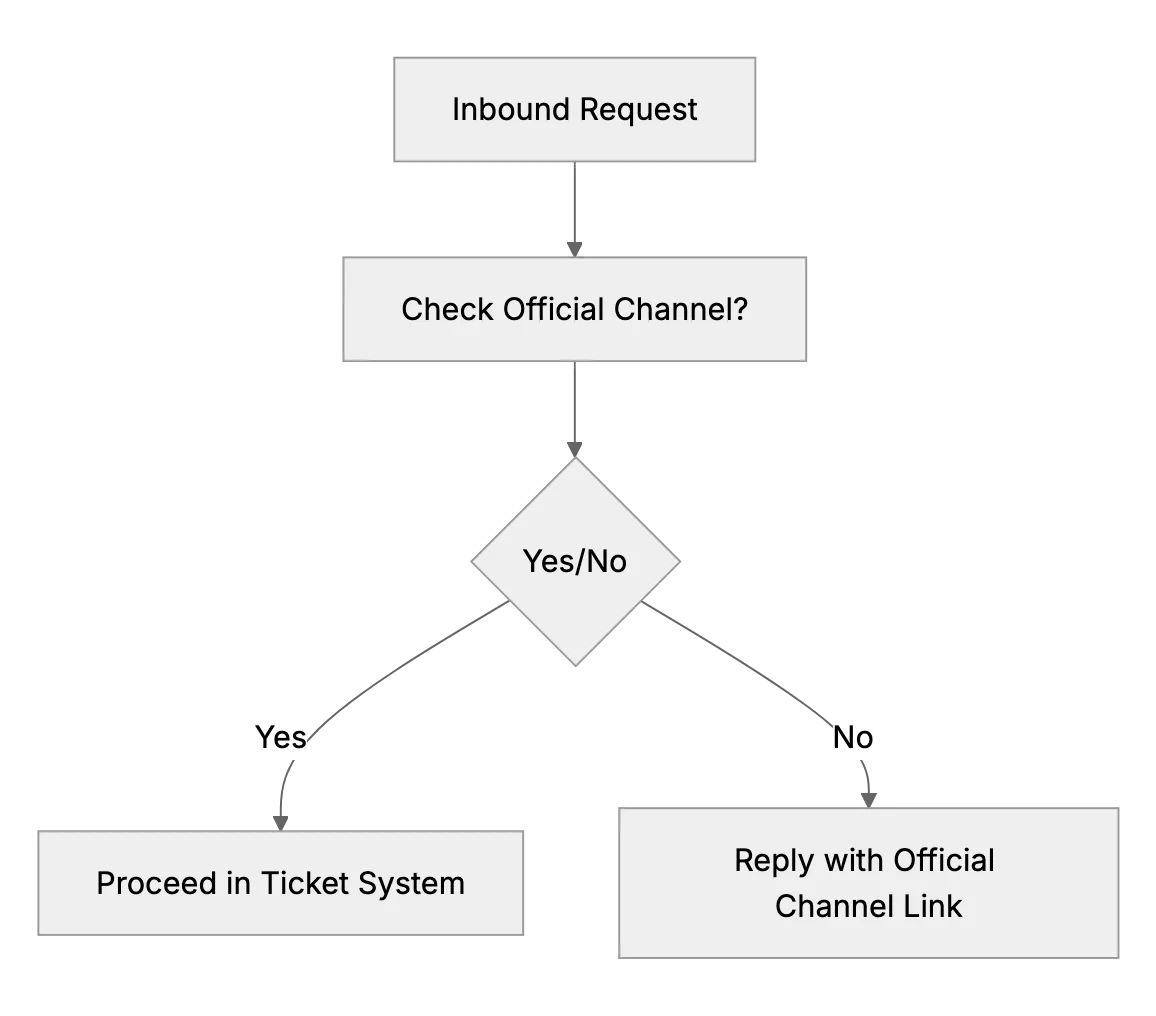
What to Do if Customers Contact You Outside Official Channels
When customers DM or text your personal accounts, reply kindly and point them to your official email or support desk so every request is tracked.

Should Small Support Teams Upsell or Just Solve Issues? (Finding the Balance)
Small business owners often wonder if their support exchanges should also be used for sales opportunities, like cross-selling or upselling. This article explores customer experience vs. revenue for small teams.
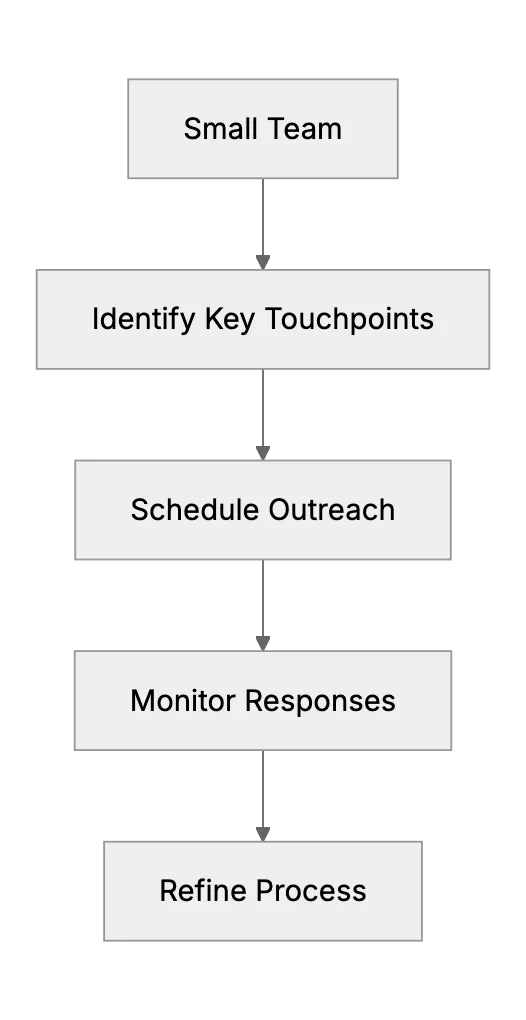
Proactive Support on a Shoestring: Reaching Out Before Issues Arise
Reach customers before problems grow with check-in emails to new signups, nudges for inactive users and monthly tips, then track what cuts tickets.