Email vs. Support Software, How Should a Small Business Manage Customer Support?
Email vs. Support Software, How Should a Small Business Manage Customer Support?
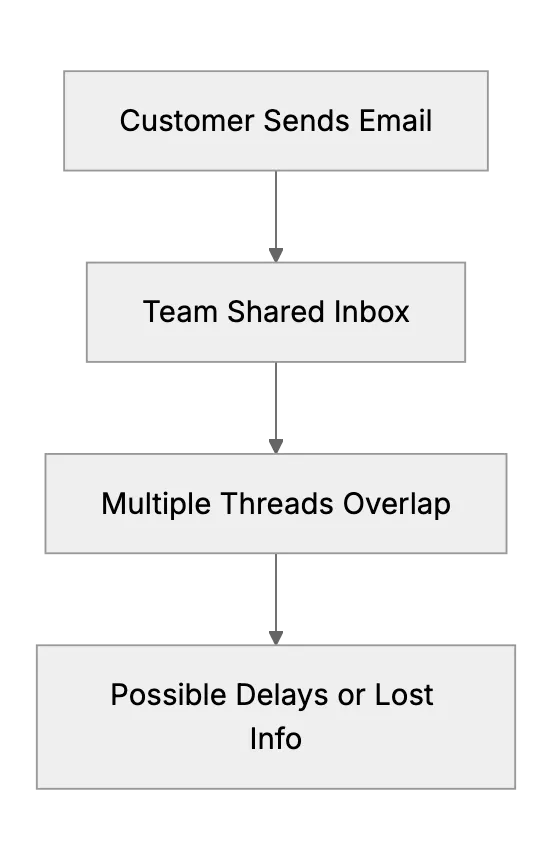
Many small businesses rely on email to answer customer questions. It's an easy way to start. Over time, inbox clutter grows, response times slip, and tracking becomes complicated. That's when a help desk platform starts to look attractive. Let's compare email and support software to see what fits best for growing startups and security-conscious businesses.
The Pros and Cons of Email Support
Email is simple. There's almost no setup. Most people already use it. It's low cost and quick to get going. The downside is a lack of centralized tracking. Messages may get lost. Tasks can be duplicated if teams share the same mailbox. Analytics are also limited. You usually can't assign roles, enforce access policies, or ensure strong encryption with typical email clients. These drawbacks become serious if you handle sensitive data or have specific security requirements.
How Dedicated Support Software Helps
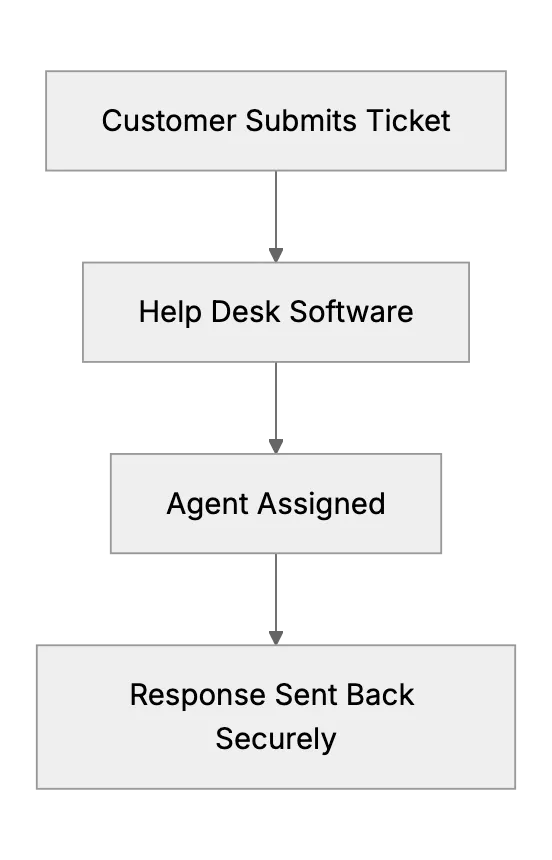
Help desk platforms centralize requests in one dashboard. Each request becomes a ticket. It's easy to track status, categorize issues, and keep internal notes. Teams can collaborate without confusion. Advanced software includes encryption, role-based permissions, and detailed logging. These features matter if you handle sensitive data or must meet specific security standards. Dedicated support tools cover these needs better than basic email.
Scalability and Being effective
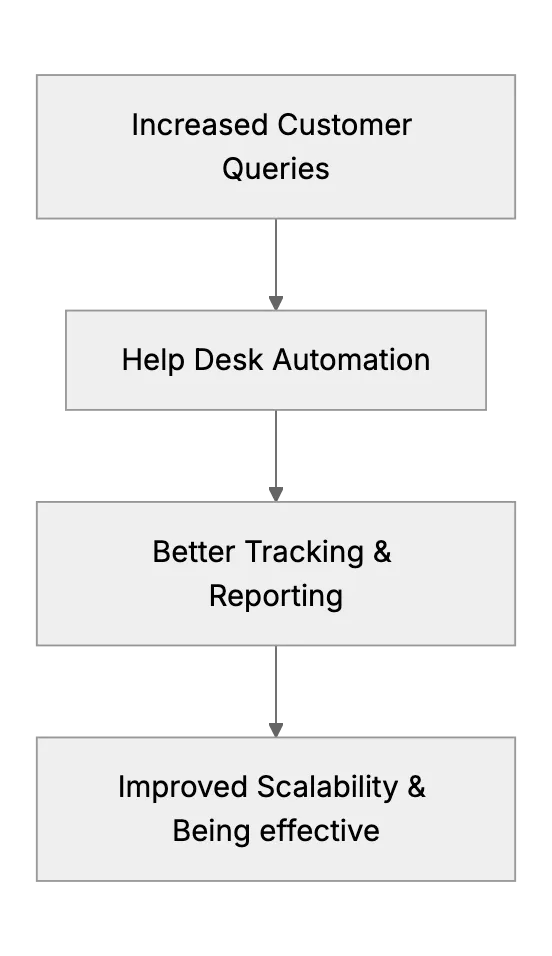
In a growing business, more requests come in. With email, you might create multiple folders or filters. It can still become chaotic. A help desk system grows with you. Some offer automated routing, service level agreements (SLAs), or even AI-driven suggestions. The result is faster responses and less guesswork. You can also generate reports on volume and resolution times. That data helps refine operations and make sure compliance with your internal policies.
Advanced Security for Regulated Industries
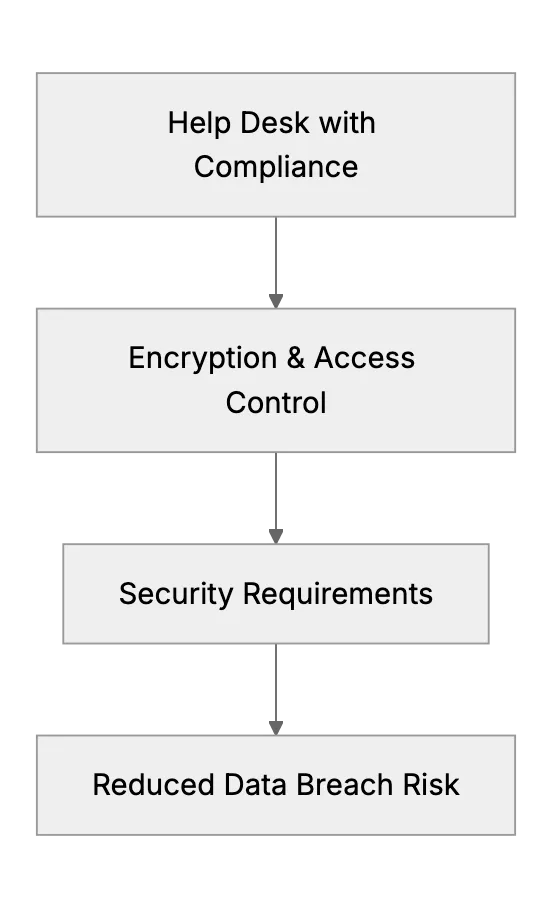
Regulated fields require strong data protections. Storing emails in standard inboxes may not satisfy strict security requirements. Dedicated support platforms often include advanced features such as encryption, role-based access control, and tamper-evident audit trails.
A strong help desk with compliance in mind reduces risk. It gives you a single source of truth for tracking. You'll manage customer data responsibly and prove that you maintain secure channels for communication.
Key Features to Look For in a Support Platform
When searching for a help desk tool, consider these features:
- Ticket Management: Organize, assign, and track requests with a clear workflow.
- Security Features: Encryption, role-based permissions, and audit logs.
- Scalability: Automated routing, self-service options, knowledge base combining.
- Collaboration Tools: Internal notes, chat, or screen-sharing features for teams.
- Analytics & Reporting: Track metrics, measure agent performance, spot trends.
Conclusion
Email is good for quick communication, but it can become disorganized. A dedicated help desk platform streamlines everything. It helps you track requests, maintain security, and grow with your business. If you handle sensitive data, you need software that protects it. Choose a platform that meets your security standards. Your customers will thank you for reliable and secure support.
Frequently asked questions
1. Is email enough for support?
It can work for very small teams. But as you grow, you need better tools.
2. What features matter most?
Ticket tracking. Response templates. Security features. Analytics tools.
3. How much does software cost?
Prices vary. Many tools offer starter plans. Scale up as needed.
4. What about data security?
Choose tools with strong encryption. Look for compliance certifications.
5. Can I import old emails?
Most systems allow imports. Keep your history. Stay organized.
6. Will staff need training?
Basic training helps. Most tools are user-friendly. Start simple.
7. How to choose software?
List your needs. Compare features. Try free trials first.
Related Articles
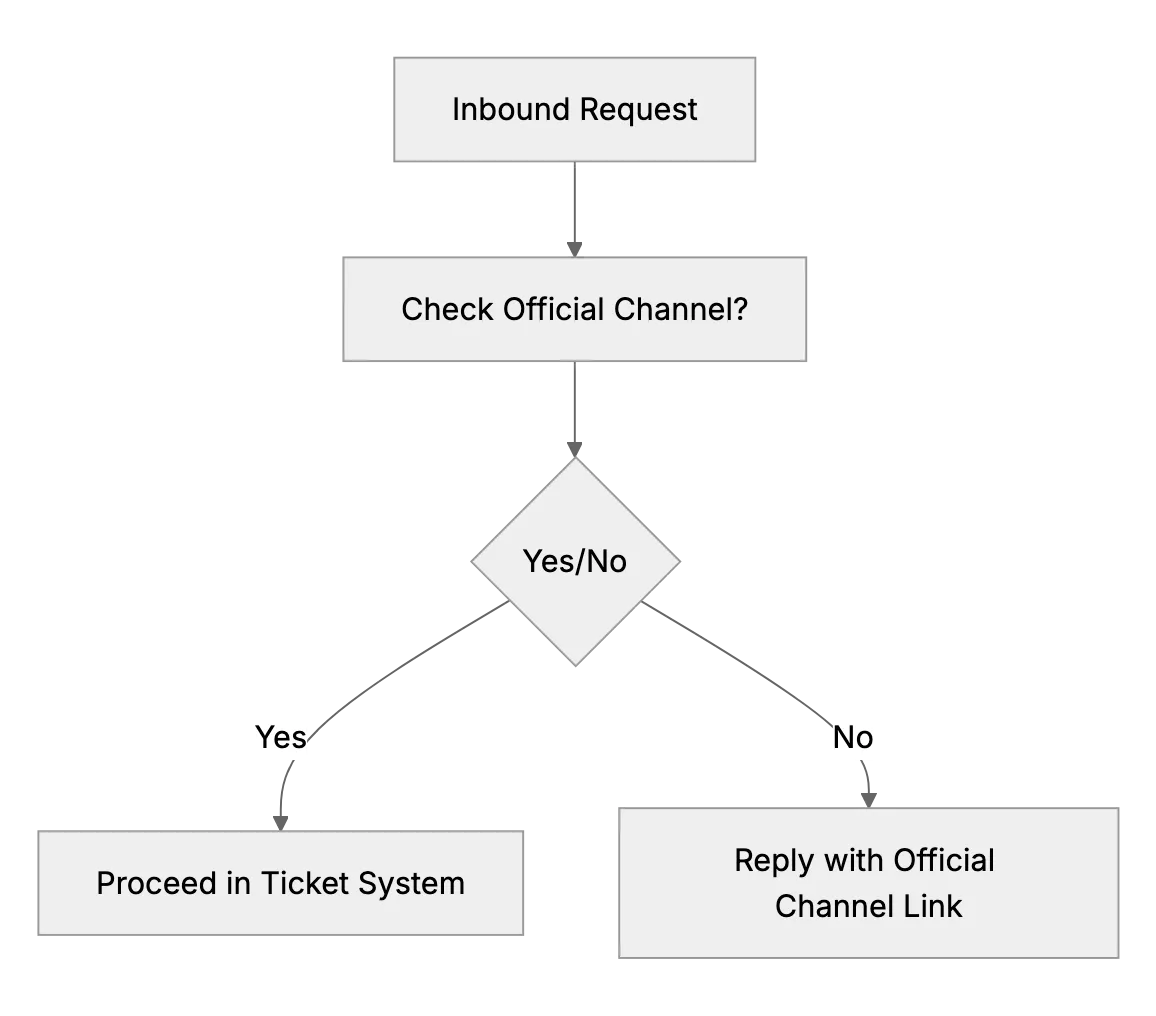
What to Do if Customers Contact You Outside Official Channels
Some customers will try to get attention by messaging the business owner’s personal Facebook or finding their number when you prefer email. This article advises setting polite but firm boundaries.
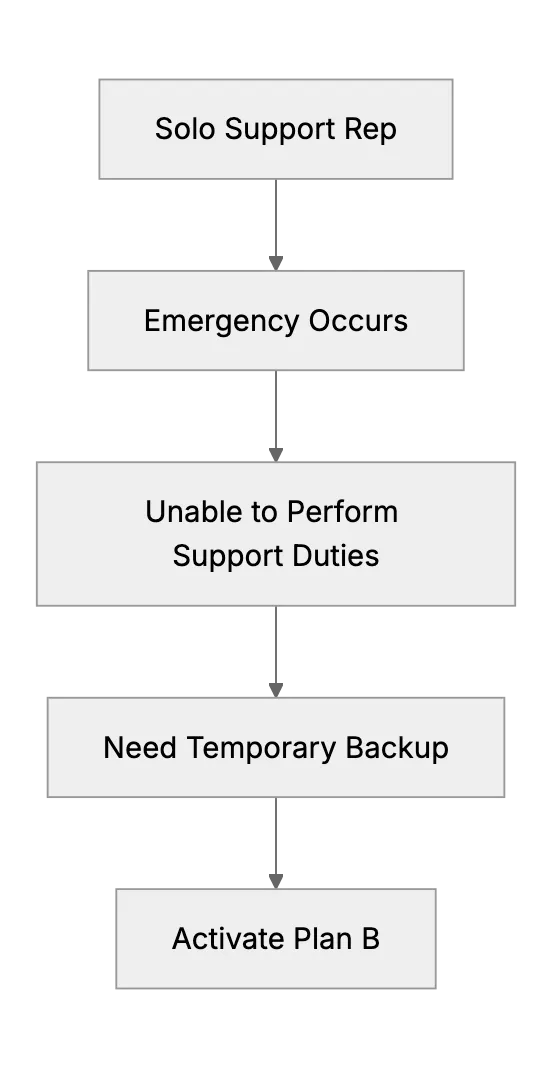
What Happens When the Only Support Person Is Sick? (Emergency Backup Plans)
Preparing a backup plan for a one-person support team during unexpected illness or personal emergency.
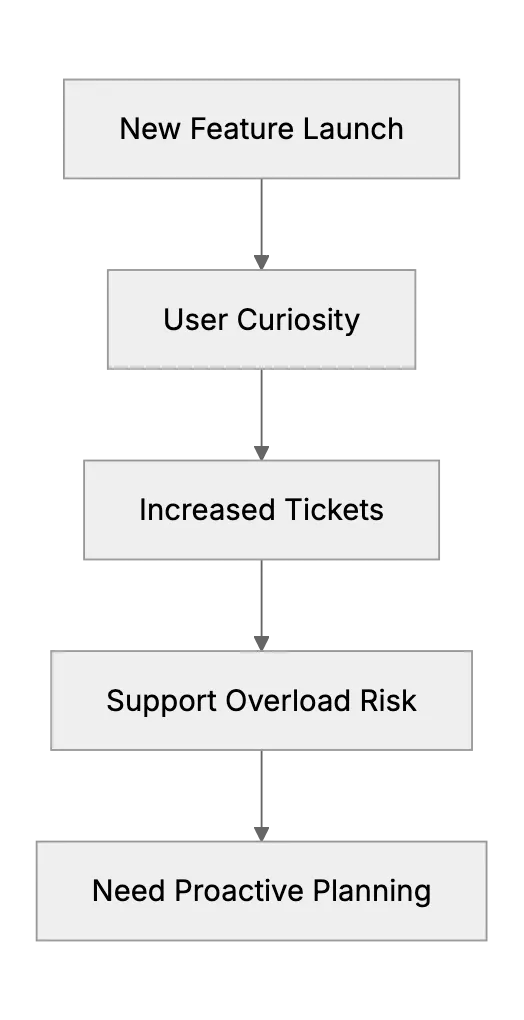
Handling Support Surges After a New Feature Launch or Update
When a small software team rolls out a big change, support tickets can spike with questions or bugs. This article provides a game plan: prepare support docs/FAQ updates ahead of the launch, coordinate with the dev team to be on standby for hotfixes, maybe run a beta with friendly customers to catch issues early. It will use ideas from experienced small teams who learned the hard way to communicate changes clearly to users to avoid confusion.